---
title: Download a Twitch clip
description: "Download twitch clip: paste a clips.twitch.tv or channel /clip/ link, pick quality, and save the highlight to a folder on this computer."
url: https://keepcopy.app/blog/download-twitch-clip
updated: 2026-08-14T05:15:00.000Z
---
Twitch puts a download on **clips you created**. Everyone else watching a highlight gets no button. The usual next search is a converter, or a **browser extension**. You still cannot tell where the clip went.
**KeepCopy** is the local [desktop video downloader](/) for that gap. To **download a Twitch clip**, paste the clip page — `clips.twitch.tv/…` or `twitch.tv/channel/clip/…` — pick quality in plain language, and save the video to a folder on this computer. Official **yt-dlp** plus **ffmpeg** run here. The pasted URL never goes through our servers.
On this page
- [Your clips vs a clip you watched](#your-clips-vs-a-clip-you-watched)
- [Paste the clip URL, not the VOD](#paste-the-clip-url-not-the-vod)
- [How to download a Twitch clip](#how-to-download-a-twitch-clip)
- [When the clip asks you to sign in](#when-the-clip-asks-you-to-sign-in)
- [What a clip download will not do](#what-a-clip-download-will-not-do)
- [Where the file lands](#where-the-file-lands)
- [Micro-FAQ](#micro-faq)
Your clips vs a clip you watched
**Twitch’s built-in download is for clips on a channel you own or edit.** It lives in the creator dashboard, under the clips list. If that is you, use it. You already have the original.
If you opened someone else’s highlight, that control is not on the page. A **cloud converter** is the usual next search. A **browser extension** is the other. Both put the link somewhere you cannot see.
KeepCopy stays on this computer. You paste the **clip** URL. The app inspects it locally. You pick a quality. The file lands in a folder you choose. That is the **download twitch clip** job this page owns.
The generic “no converter in the middle” write-up is [Save web video without a web converter](/blog/save-web-video-without-web-converter). Come back here when the link is a Twitch clip.
Paste the clip URL, not the VOD
**Paste the highlight page you opened.** A clip and a VOD are different URLs. The wrong one saves the wrong video.
- A **clip** looks like `clips.twitch.tv/` plus a name, or `twitch.tv/` plus the channel, then `/clip/` and that same name.
- A **VOD** looks like `twitch.tv/videos/` plus a number. That is the hours-long past broadcast, not the 30-second cut.
Copy the address from the clip page, or use **Share** on that page and copy the clip link. Do not paste the channel homepage, the channel’s Clips tab, or a live player. Those are not one video. The app will say so.
The Clips tab on a channel is a list. If you pasted a list, inspect it and **select the entries** you want — [Download selected videos from a playlist](/blog/download-selected-videos-from-playlist). The app does not silently grab every clip.
A past broadcast is a different search. That walkthrough is [Download a Twitch VOD](/blog/download-twitch-vod).
How to download a Twitch clip
**Paste the clip, pick a quality, save to a folder.** You never type a format code.
### Step 1: Open KeepCopy
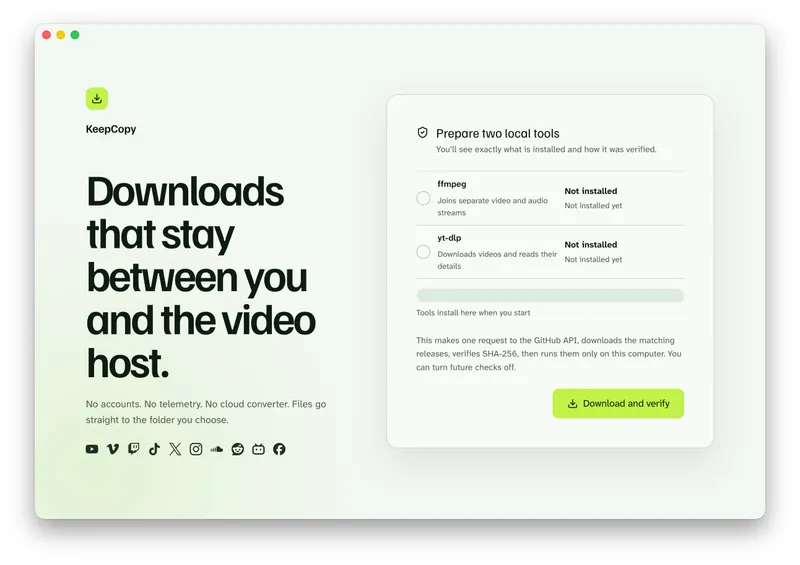
Launch KeepCopy on macOS, Windows, or Linux. First run installs and verifies the official **yt-dlp** release and **ffmpeg** on this computer. You do not hunt a **package manager**.
### Step 2: Paste the clip URL
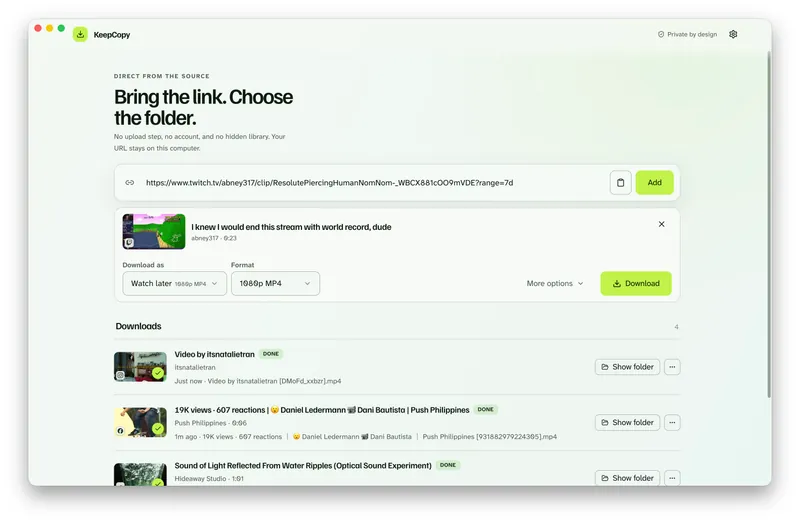
Copy the clip page from the address bar or Share. Drop it into KeepCopy. The app inspects the link on this computer before anything is saved. You should see the clip title, not a live directory and not a multi-hour VOD.
### Step 3: Pick quality in plain language
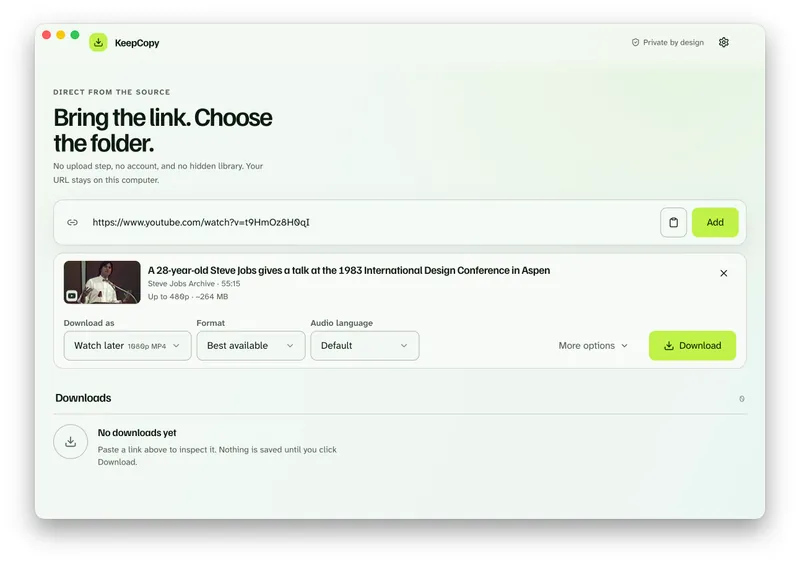
Choose **720p MP4**, **1080p MP4**, **4K MP4**, or **best available** when the source has them. Most clips top out at what Twitch already served on that page. Watch later is a shortcut for the everyday presets — [Download 1080p video without command line](/blog/download-1080p-without-command-line).
A clip is short. You still pick one quality. You do not pass a format code.
### Step 4: Save it to a folder
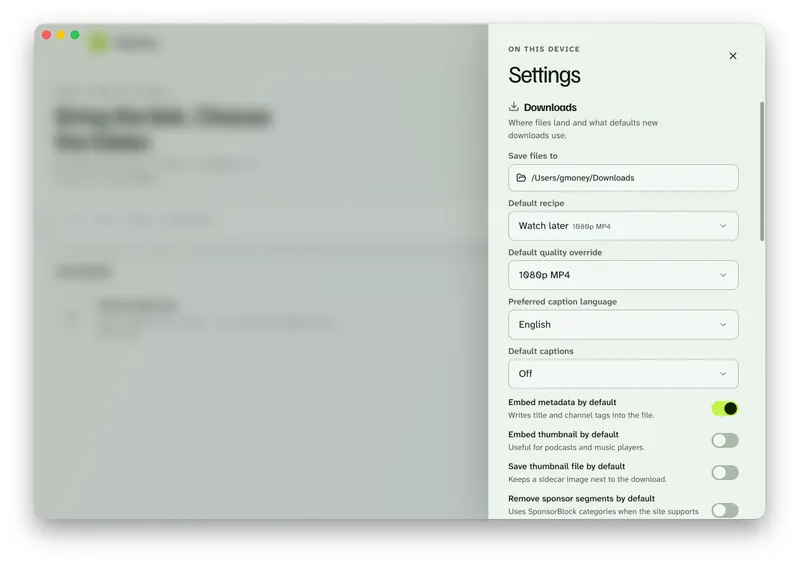
In Settings, set **Save files to** to a folder on this computer. The queue shows progress, cancel, and retry. When it finishes, **Show folder** reveals the file.
Save the highlight. [Paste a Twitch clip in KeepCopy.](/#download)
When the clip asks you to sign in
**A public clip usually downloads without cookies.** Start with **Don’t use cookies**.
Some clips still challenge the download the way a private or subscriber-only page does. If the title is **sign in required**, open **Site access**. Choose cookies from a listed browser — Chrome, Chromium, Edge, Firefox, or Safari — or point the app at a `cookies.txt` file. Then retry.
Cookies stay on this computer. They go only to **yt-dlp** for that challenged download. They reuse a session you already have. They do not grant a subscription or unlock a clip Twitch will not serve you.
The full cookie path is [Video download says sign in required](/blog/video-download-sign-in-required).
What a clip download will not do
**KeepCopy cannot restore a clip Twitch already deleted.** If the highlight page is gone, inspect has nothing to load. Download it while the page still plays.
**It will not turn a clip into the full stream.** The rest of that broadcast is a VOD URL, if Twitch still has it. Paste that VOD when you want the hours, not the cut — [Download a Twitch VOD](/blog/download-twitch-vod).
**It will not unmute audio Twitch already muted.** If the host silenced the clip, the saved file keeps that mute. That is the source, not a missing join.
This is not a clip editor, a trim tool, a chat export, or a live recorder. Those controls are not in the shipped UI. It is not a website that fetches the video for you.
If the picture is mute for a different reason — split streams, not a host mute — see [Downloaded MP4 no audio](/blog/downloaded-mp4-no-audio).
Where the file lands
**You choose the folder. The app writes there.** There is no KeepCopy account page and no temporary cloud workspace.
The queue is the working surface: progress, cancel, retry, reveal in folder, remove. A clip is still one job you started.
The download stays **local-first**. Your computer talks to Twitch. The desktop app sends **no telemetry** and no crash reports. For the path of a pasted link, read [What stays on your computer](/blog/what-stays-on-your-computer).
If the queue failed, retry or repair the tools in Settings — [Video download keeps failing](/blog/video-download-keeps-failing). More [workflow](/blog/category/workflow) notes live with this one. The paste-pick-save walkthrough is [yt-dlp without the terminal](/blog/yt-dlp-without-the-terminal).
Micro-FAQ
### Can I download someone else’s Twitch clip?
Twitch’s own download is for clips you created, from the channel dashboard. Everyone else pastes the clip page URL into a local desktop app. KeepCopy inspects that link on this computer and saves the video to a folder you choose.
### Which URL is a clip, not a VOD?
A clip is `clips.twitch.tv/…` or `twitch.tv/channel/clip/…`. A VOD is `twitch.tv/videos/` plus a number. Paste the highlight page you opened, not the hours-long broadcast.
### Can KeepCopy turn a clip into the full stream?
No. A clip is only the short cut Twitch already published. The rest of the broadcast is a different URL. If that past broadcast is still up, use the [VOD workflow](/blog/download-twitch-vod).
### What if the clip page is gone?
KeepCopy cannot restore a clip Twitch already deleted. Download it while the page still plays.
KeepCopy is a desktop video downloader. Paste a link, pick quality, and save the video to a folder on this computer.
[Coming soon](https://keepcopy.app/#download)