---
title: YouTube to MP3
description: "youtube to mp3: paste a YouTube watch, youtu.be, or Shorts link, pick Audio MP3, and save the soundtrack to a folder on this computer."
url: https://keepcopy.app/blog/youtube-to-mp3
updated: 2026-08-14T05:20:00.000Z
---
You searched **youtube to mp3**. The usual result is a converter you found in search: paste the link, wait on a second page, hope the MP3 is the soundtrack and not an ad.
**KeepCopy** is a [desktop video downloader](/), not a website that fetches the video for you. To do **YouTube to MP3** here, paste a YouTube watch, `youtu.be`, or Shorts link, open the **Audio** recipe, pick **audio MP3**, and save the soundtrack to a folder on this computer. Official **yt-dlp** plus **ffmpeg** run locally. The pasted URL never goes through our servers.
On this page
- [Why YouTube-to-MP3 usually means a converter](#why-youtube-to-mp3-usually-means-a-converter)
- [Paste a YouTube watch, youtu.be, or Shorts link](#paste-a-youtube-watch-youtu-be-or-shorts-link)
- [How to do YouTube to MP3 in KeepCopy](#how-to-do-youtube-to-mp3-in-keepcopy)
- [MP3 or M4A from a YouTube soundtrack](#mp3-or-m4a-from-a-youtube-soundtrack)
- [When YouTube asks you to sign in](#when-youtube-asks-you-to-sign-in)
- [A YouTube playlist of talks](#a-youtube-playlist-of-talks)
- [If you wanted the picture](#if-you-wanted-the-picture)
- [Micro-FAQ](#micro-faq)
Why YouTube-to-MP3 usually means a converter
**The search is built for a paste box on someone else’s site.** You copy a YouTube URL, land on a converter, and still may not know where the audio went — or what else the page loaded.
A **browser extension** is the other common path. Same problem: the link leaves a window you control.
KeepCopy stays a **desktop video downloader**. This page is only the YouTube audio job. You paste the link. The app inspects it on this computer. You pick **audio MP3**. The file lands in a folder you choose.
The generic soundtrack how-to — any host — is [Download video as MP3 on the desktop](/blog/download-video-as-mp3-desktop). A SoundCloud track is [Save a SoundCloud track to your computer](/blog/save-soundcloud-track-to-computer). Come back here when the link is YouTube.
Paste a YouTube watch, youtu.be, or Shorts link
**Paste the video page you opened, not the YouTube homepage.**
- A **watch** URL looks like `youtube.com/watch?v=` plus an id.
- A **share** URL looks like `youtu.be/` plus the same id.
- A **Short** looks like `youtube.com/shorts/` plus an id. That is still one video. Audio still drops the picture.
Copy from the address bar or **Share → Copy link**. Do not paste a channel, a search page, or YouTube’s home. Those are not one video. The app will say so.
A playlist URL is a list. Inspect it and **select the entries** you want. The app does not silently grab every item — [Download selected videos from a playlist](/blog/download-selected-videos-from-playlist).
How to do YouTube to MP3 in KeepCopy
**Paste the YouTube link, choose Audio or audio MP3, set the folder, and queue the job.** You never type a format code.
### Step 1: Open KeepCopy
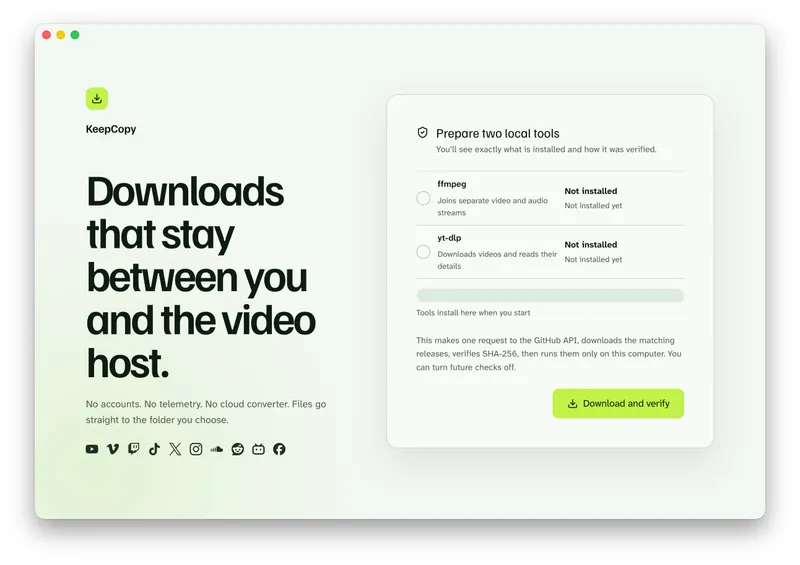
Launch KeepCopy on macOS, Windows, or Linux. First run installs and verifies the official **yt-dlp** release and **ffmpeg** on this computer. You do not hunt a **package manager**.
### Step 2: Paste the YouTube URL
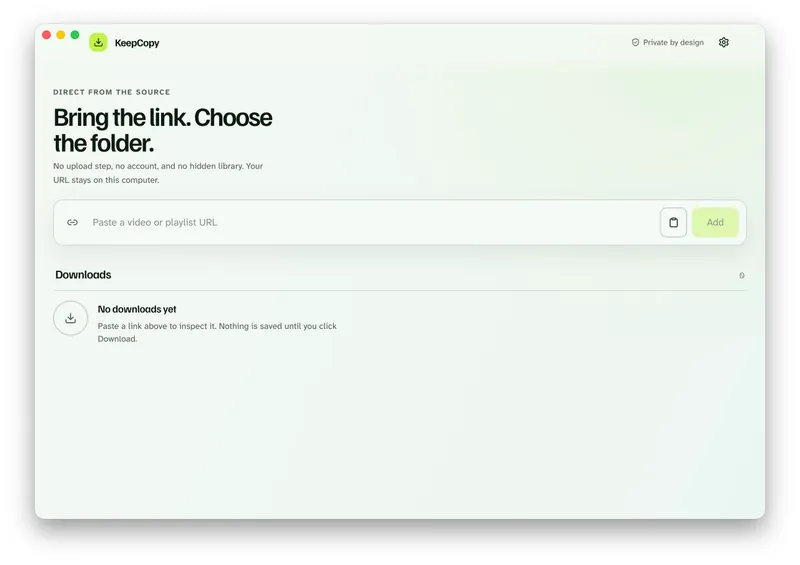
Drop in the watch, `youtu.be`, or Shorts link. The app inspects it on this computer before anything is saved. You should see that video’s title, not a channel grid.
### Step 3: Choose Audio or audio MP3
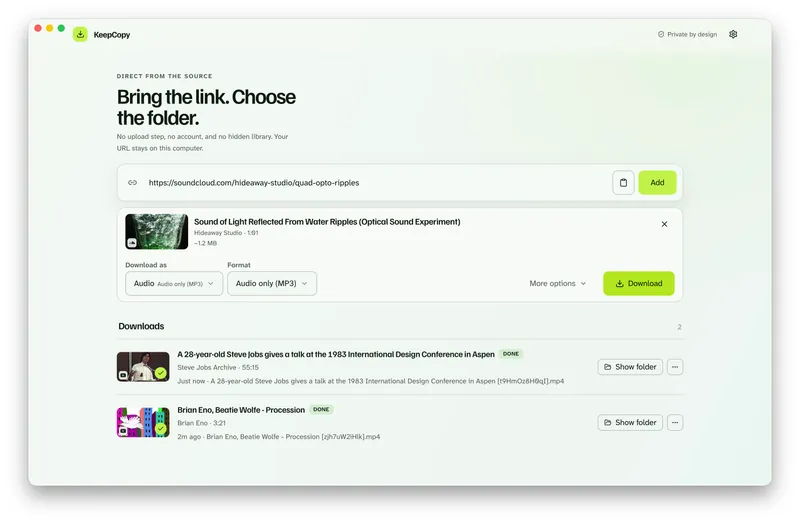
Open the **Audio** recipe. It targets **audio MP3** and turns on artwork and tags. Or pick **Audio only (MP3)** or **Audio only (M4A)** from the same list as the video presets.
YouTube often offers more than one soundtrack. If **Audio language** appears after inspect, pick **(original)** or a listed track for *this* audio file. That control will not invent a voice YouTube never published.
### Step 4: Save it to a folder
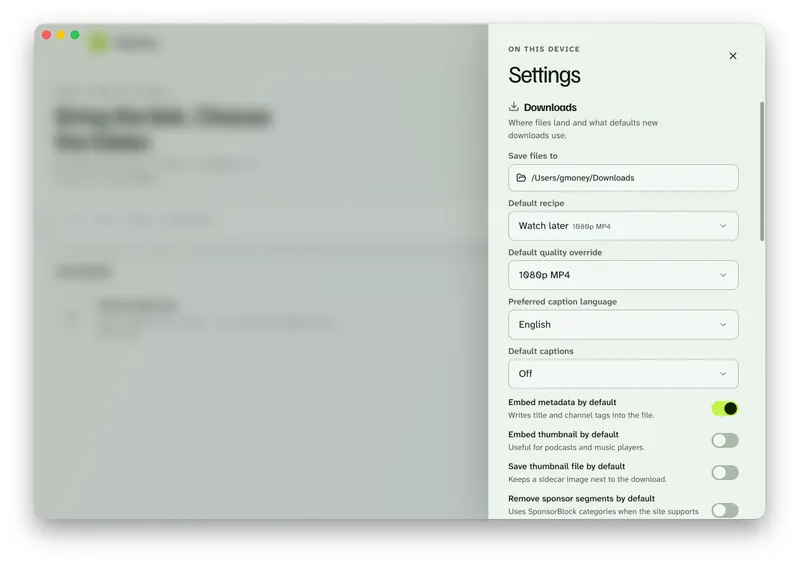
In Settings, set **Save files to** to a folder on this computer. The queue shows progress, cancel, and retry. When it finishes, **Show folder** reveals the audio.
Keep the soundtrack. [Paste a YouTube link in KeepCopy.](/#download)
MP3 or M4A from a YouTube soundtrack
**Pick the container you will actually play.** Both labels drop YouTube’s picture on purpose.
- **Audio only (MP3)** — the Audio default. Ordinary players expect it.
- **Audio only (M4A)** — when you want that container instead.
This is not a second product. It is the same picker. KeepCopy is not a music library. The tags live in the file. Your player reads them.
**Embed metadata** and **Embed thumbnail** write the title and cover into the audio. Audio turns those on. You can change them under **More options**.
When YouTube asks you to sign in
**A public YouTube video usually downloads without cookies.** Start with **Don’t use cookies**.
Age-restricted and members-only videos can play in a signed-in browser and still challenge the download. If the title is **sign in required** or **YouTube is asking for verification**, open **Site access**. Choose cookies from Chrome, Chromium, Edge, Firefox, or Safari, or a `cookies.txt` file. Then retry.
Cookies stay on this computer. They reuse a session you already have. They do not create an account with us. The full path is [Video download says sign in required](/blog/video-download-sign-in-required).
A YouTube playlist of talks
**A YouTube playlist URL is still select-then-save.** Inspect the list, pick the entries, queue those.
The app does not treat a playlist as permission to download everything. Three talks out of forty means you pick those three. Each selected entry can use Audio or the same audio-only labels.
If you wanted the picture
**Audio-only labels drop the picture on purpose.** They will not fix a mute MP4 you meant to watch.
If you wanted the YouTube video as a file, that job is [YouTube to MP4](/blog/youtube-to-mp4). Pick **1080p MP4** or **4K MP4** so ffmpeg can join the streams YouTube often splits.
A mute file from any host is [Downloaded MP4 no audio](/blog/downloaded-mp4-no-audio).
The download stays **local-first**. Your computer talks to YouTube. The desktop app sends **no telemetry**. For the path of a pasted link, read [What stays on your computer](/blog/what-stays-on-your-computer). More [workflow](/blog/category/workflow) notes live with this one.
Micro-FAQ
### Which YouTube URL do I paste?
Paste the watch page, a `youtu.be` short link, or a Shorts URL. Not the YouTube homepage, a channel page, or a search results page.
### Does this strip audio from a file I already have?
No. Paste a YouTube link. KeepCopy saves audio from that source. It does not open a file on disk and peel the sound out.
### Should I pick MP3 or M4A?
Audio targets audio MP3. Pick **Audio only (M4A)** when you want that container instead. Both drop the picture on purpose.
### What if YouTube asks for a sign-in?
If the title is **sign in required** or **YouTube is asking for verification**, choose cookies from a listed browser or a cookies.txt file. Cookies stay on this computer.
KeepCopy is a desktop video downloader. Paste a link, pick quality, and save the video to a folder on this computer.
[Coming soon](https://keepcopy.app/#download)